
Why a Screenshot Is Not Enough (And What Actually Helps)


When something looks wrong in your inverter app, the natural reaction is to send a screenshot.
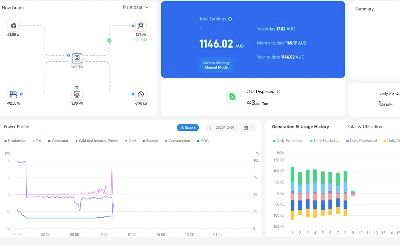
It makes sense. You can see the graph. You know what happened. It feels obvious.
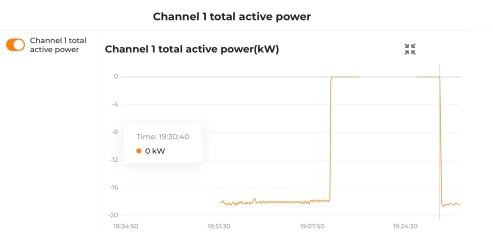
The problem is that a screenshot is missing most of the information needed to properly diagnose an issue.
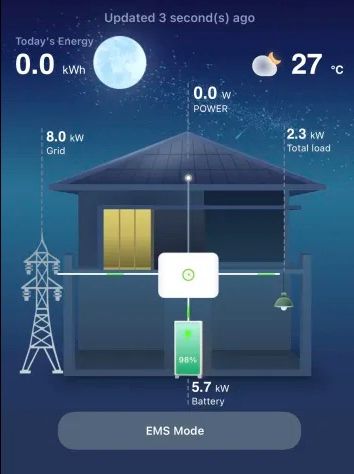
What a Screenshot Does Not Show
An inverter cloud graph usually does not tell me:
- The exact inverter serial number
- The exact five minute interval
- Whether the timestamp is start-of-interval or end-of-interval
- Whether daylight savings has been applied
- The raw numeric values behind the chart
- The price and forecast used at that moment
- The internal decision logic and thresholds
- The suggested action vs the final executed action
Each inverter brand also uses different colour conventions. What is “export” in one app may be shown differently in another.
Powston operates on AEMO five minute intervals using end-of-interval timestamps and no daylight savings. Many inverter apps apply DST depending on their timezone settings. That alone can shift charts by an hour.
A screenshot shows a picture of an outcome. It does not show the inputs or the decision process.
Why Problem Reports Are Different
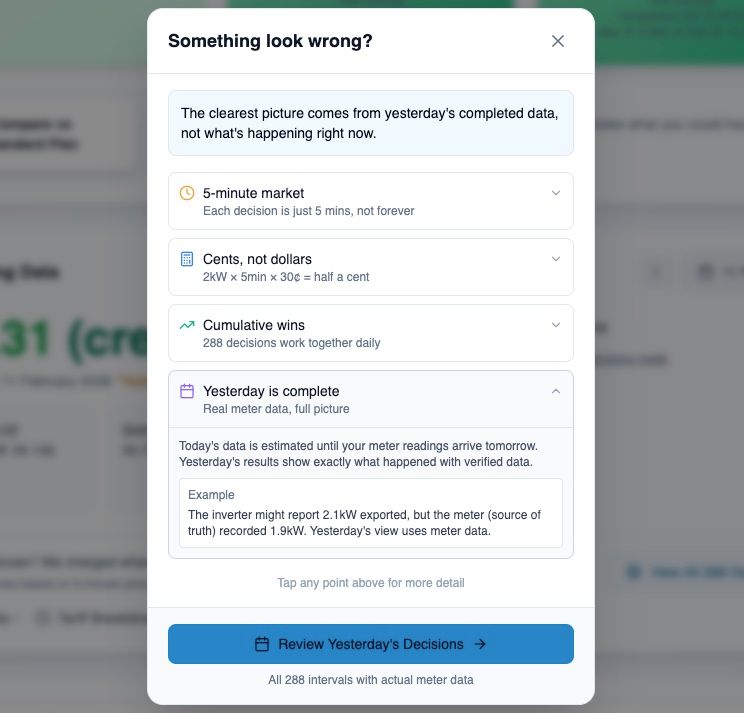
When you submit a problem report from inside the Powston app, I receive:
- Exact timestamps aligned to AEMO intervals
- Site and inverter identifiers
- Raw numeric values
- The full system state at the time
- The decision reasoning string
- The suggested vs executed action
This is structured telemetry, not a visual interpretation.
It allows proper debugging.
The Fastest Way to a Fix
If something looks wrong:
- Let the data settle for the day
- Submit a problem report from inside the Powston app
- Include the time range you are concerned about
Screenshots help me understand what you are seeing.
Problem reports give me what I need to actually fix it.